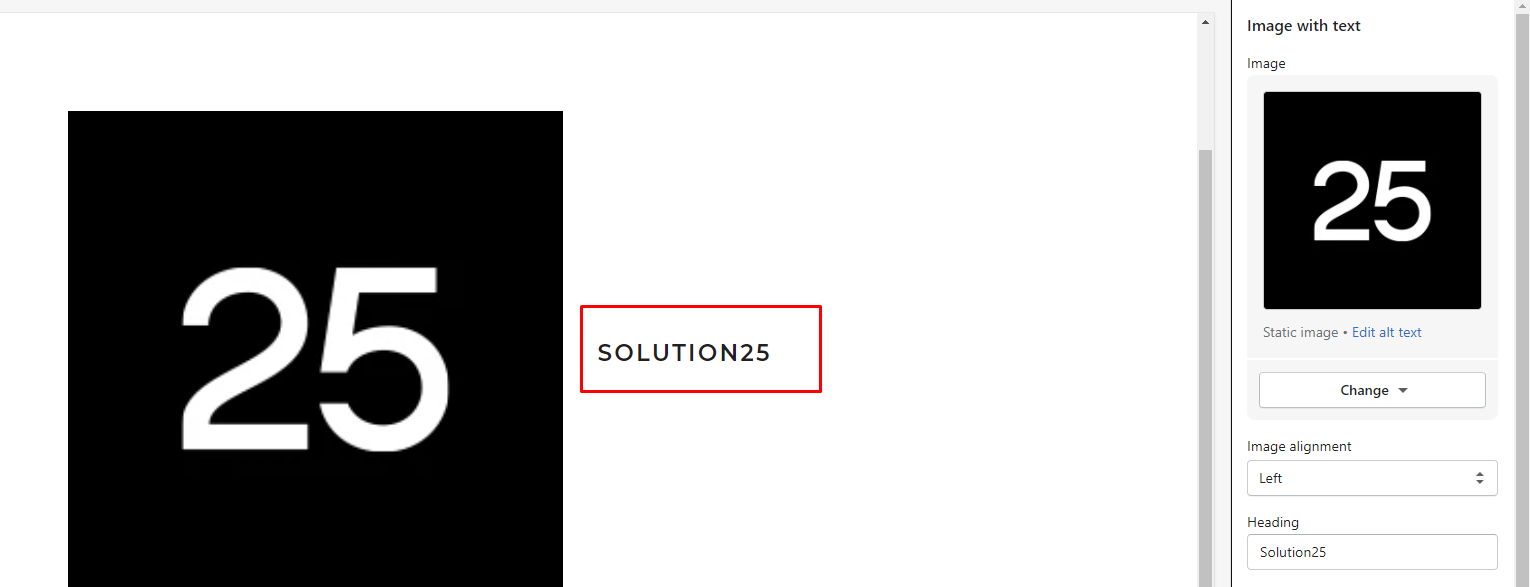
Some of the attributes I can create are text, richtext, image picker, URL, among others.
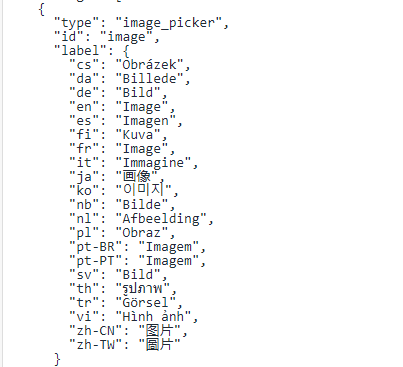
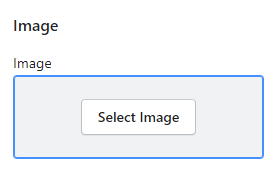 Furthermore, we need to add the code in the part which we have allocated for this attribute to declare the display of the picture.
 After creating and linking this attribute we need to be able to connect to the rest of the attributes.
 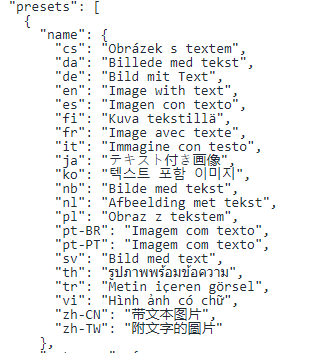 Foremost, specify the name with which you want to display it in the attributes section, and second make the category choices. After this step, you can see that the new attribute has been created.
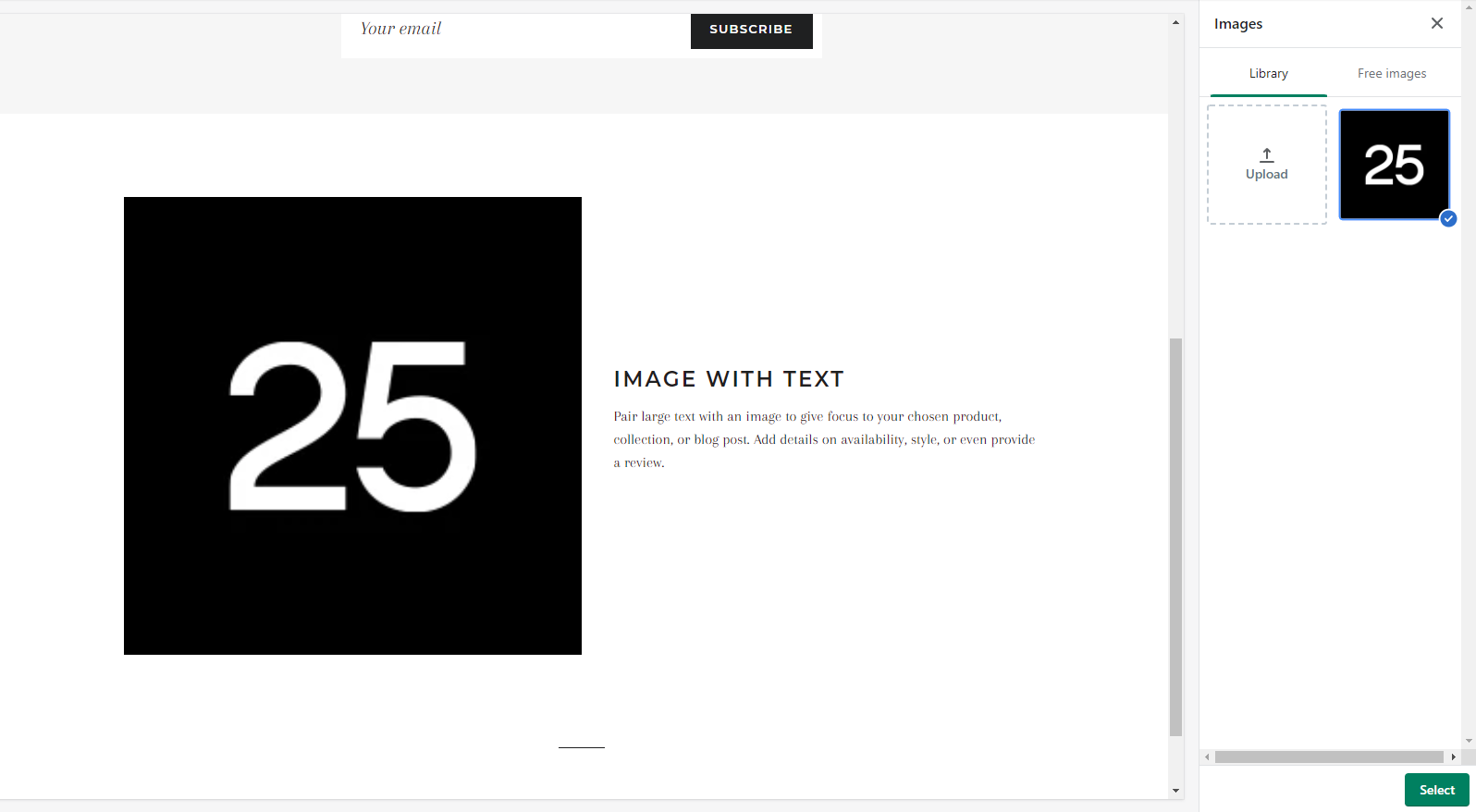
 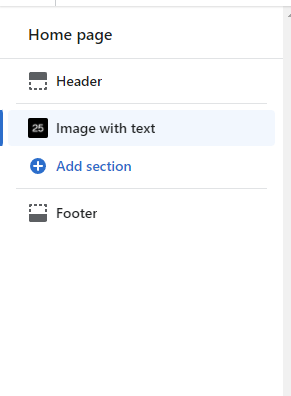 The other part that can be seen in the picture is the text on the right, afterwards, the text is divided into two parts (title and description).
The title part is created first:
The other part that can be seen in the picture is the text on the right, afterwards, the text is divided into two parts (title and description).
The title part is created first: 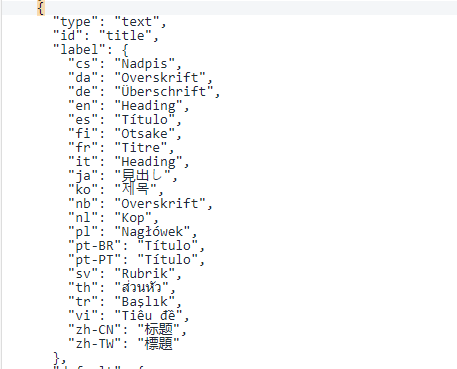 Then we need to add the code in the part that we have allocated for this attribute to declare the display of the Title, which is enabled by this code:
{% if section.settings.title != blank %}
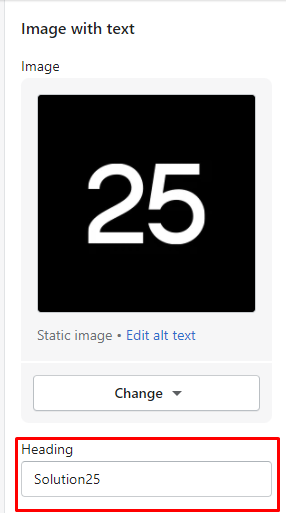 And then the title appears on the right side of the photo: