Mobile devices have handled more than half of all e-commerce payments. This forced online businesses to give priority to UX designs that work well on mobile devices.
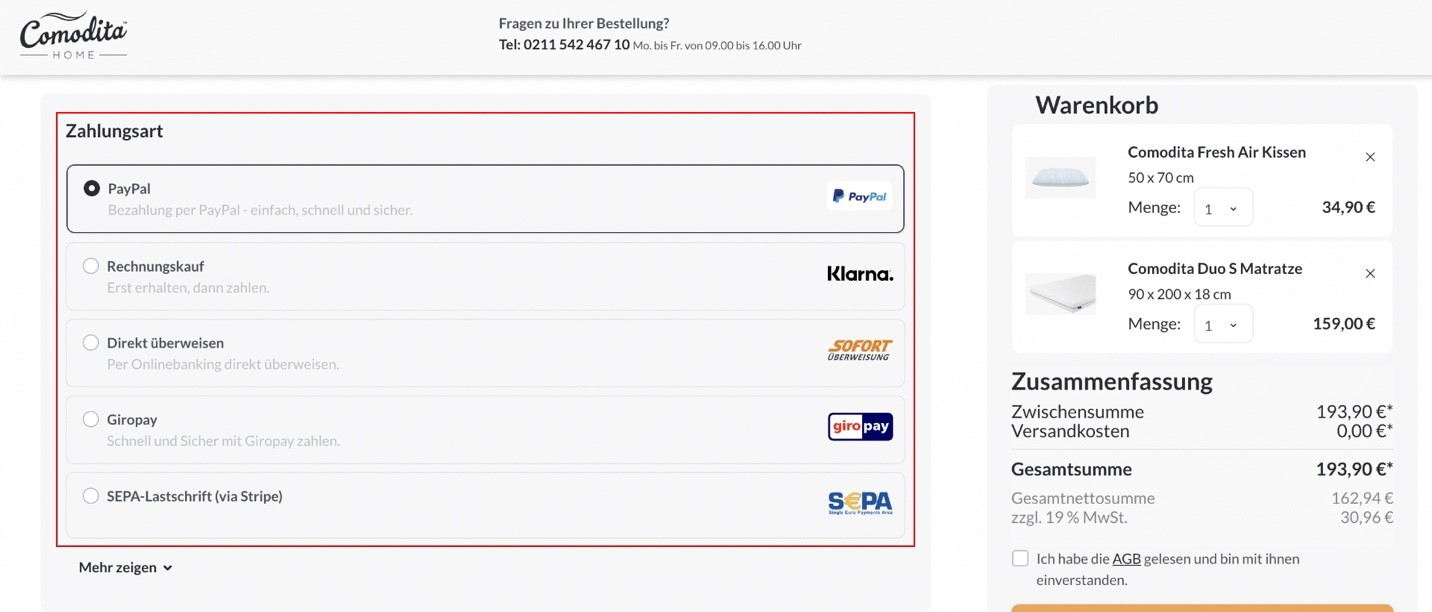
 2. Provide a variety of payment options to customers and make sure to prioritize the major payment methods first. The more payment options customers have, the more likely they are to complete their purchase. Start with major providers to allow most customers to use a payment method, then expand as your business allows.
  3. Prioritize a mobile-friendly design. Since 2018, more than half of all e-commerce payments have been completed through mobile devices. This fact compelled e-commerce retailers to prioritize mobile-friendly UX and design. When developing, designing, and optimizing your checkout, you must prioritize mobile-friendly design to ensure that the checkout is seamless for these users and consistent across all device types.
4. Displaying trust indicators and badges seals provides customers with a peace of mind prominently during the checkout process. Showcasing these throughout the checkout process gives customers confidence in the platform and provided security. Customers are unlikely to complete a purchase in your store if they do not believe their financial and personal information will be kept secure.
3. Prioritize a mobile-friendly design. Since 2018, more than half of all e-commerce payments have been completed through mobile devices. This fact compelled e-commerce retailers to prioritize mobile-friendly UX and design. When developing, designing, and optimizing your checkout, you must prioritize mobile-friendly design to ensure that the checkout is seamless for these users and consistent across all device types.
4. Displaying trust indicators and badges seals provides customers with a peace of mind prominently during the checkout process. Showcasing these throughout the checkout process gives customers confidence in the platform and provided security. Customers are unlikely to complete a purchase in your store if they do not believe their financial and personal information will be kept secure. 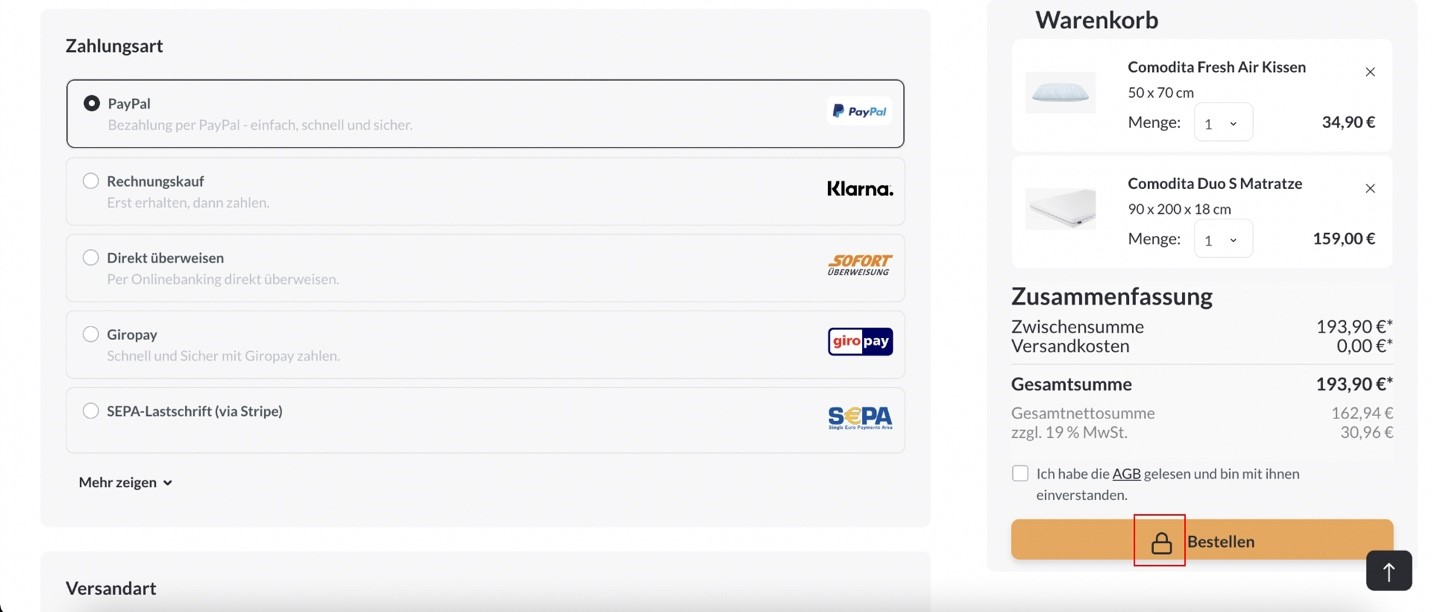 5. Use a progress bar that indicates where you are in the checkout process while also outlining the entire step process. It allows customers to see where they are in the process, how many steps remain, and an estimate time of how long the process will take.
 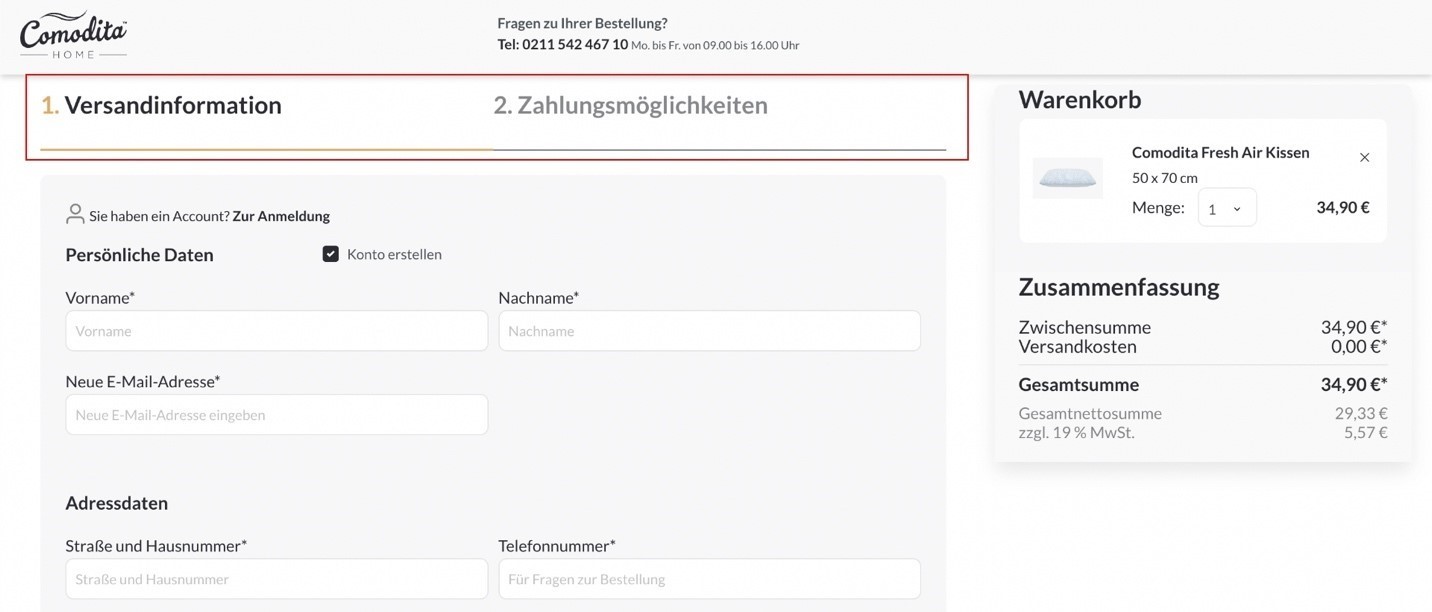 It is especially true for multi-step and more complex checkout processes, but it also applies to some single-page checkouts. It organizes the process for customers and makes it easy to follow.
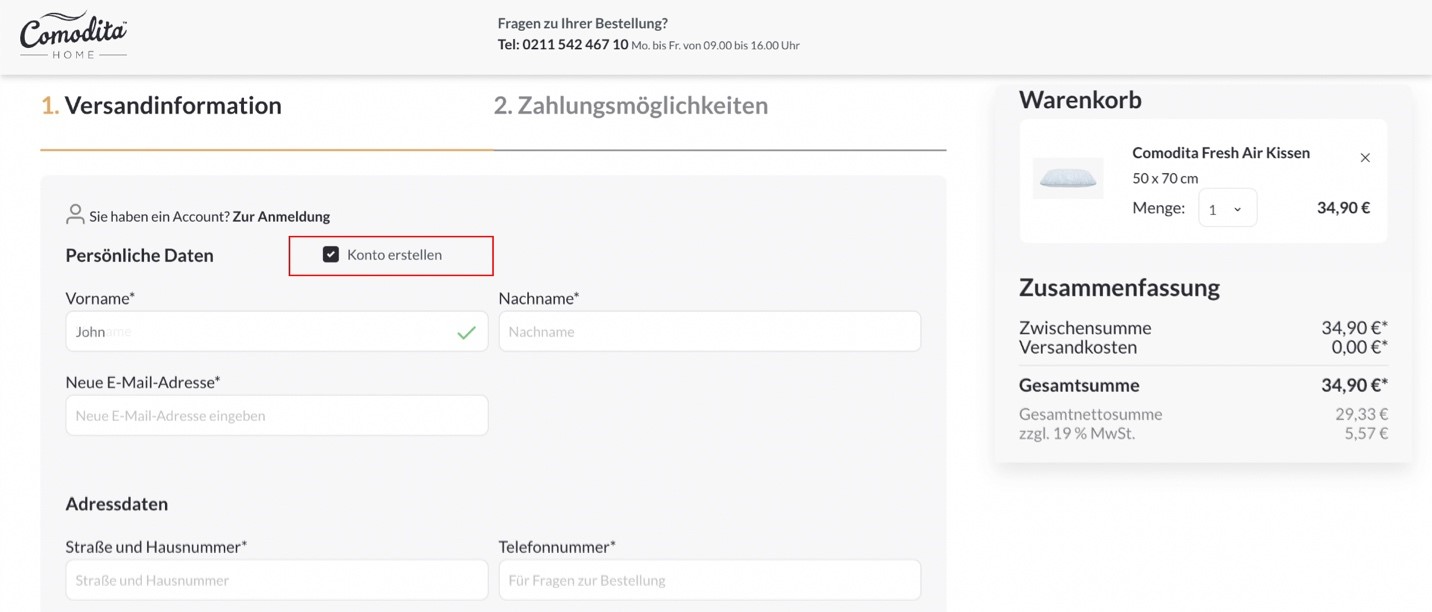
6. Use data validation and error notifications to reduce errors during checkout and obtain more accurate customer information. Add data validation and notifications for input errors to the checkout process. This feature ensures that customers enter data correctly, allowing you to validate details. It guides and simplifies the process of data entry for the customer.
It is especially true for multi-step and more complex checkout processes, but it also applies to some single-page checkouts. It organizes the process for customers and makes it easy to follow.
6. Use data validation and error notifications to reduce errors during checkout and obtain more accurate customer information. Add data validation and notifications for input errors to the checkout process. This feature ensures that customers enter data correctly, allowing you to validate details. It guides and simplifies the process of data entry for the customer. 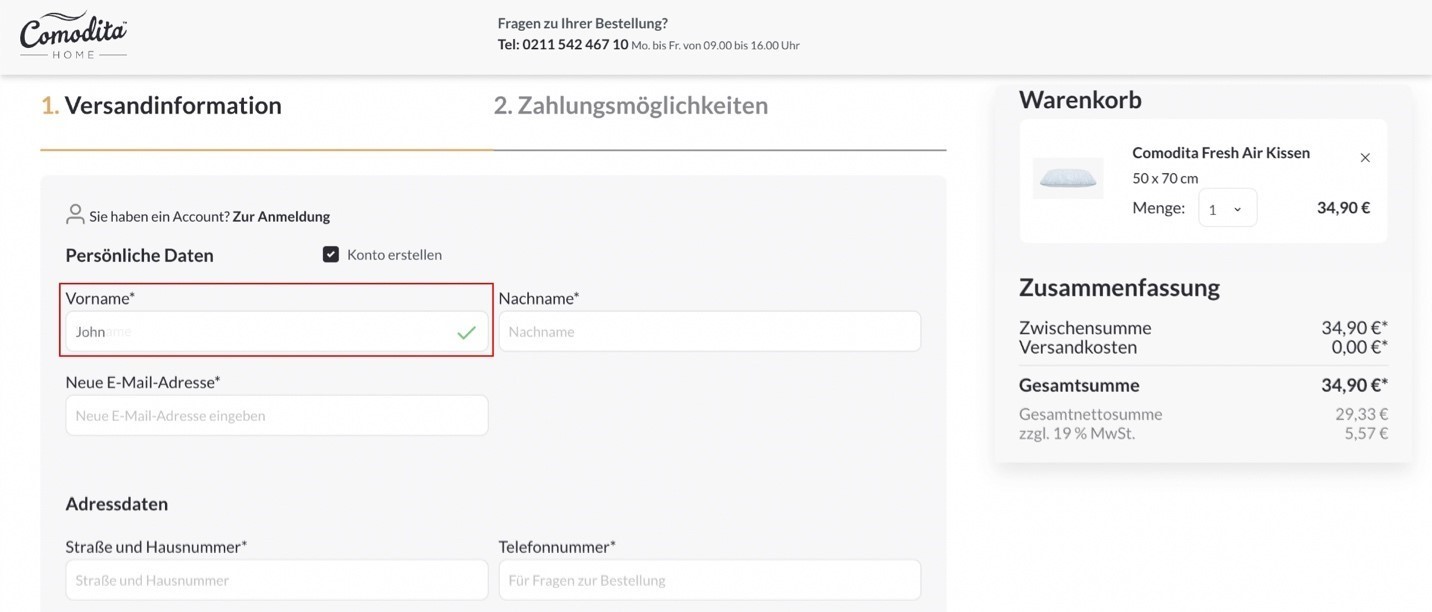 7. Customers should not be surprised with additional costs added at the time of purchase. It makes them question the value of the purchase and whether they want and should proceed. Instead, provide as much information as possible upfront. Include shipping fees, taxes, and any other costs to inform customers of the total cost before proceeding to checkout.
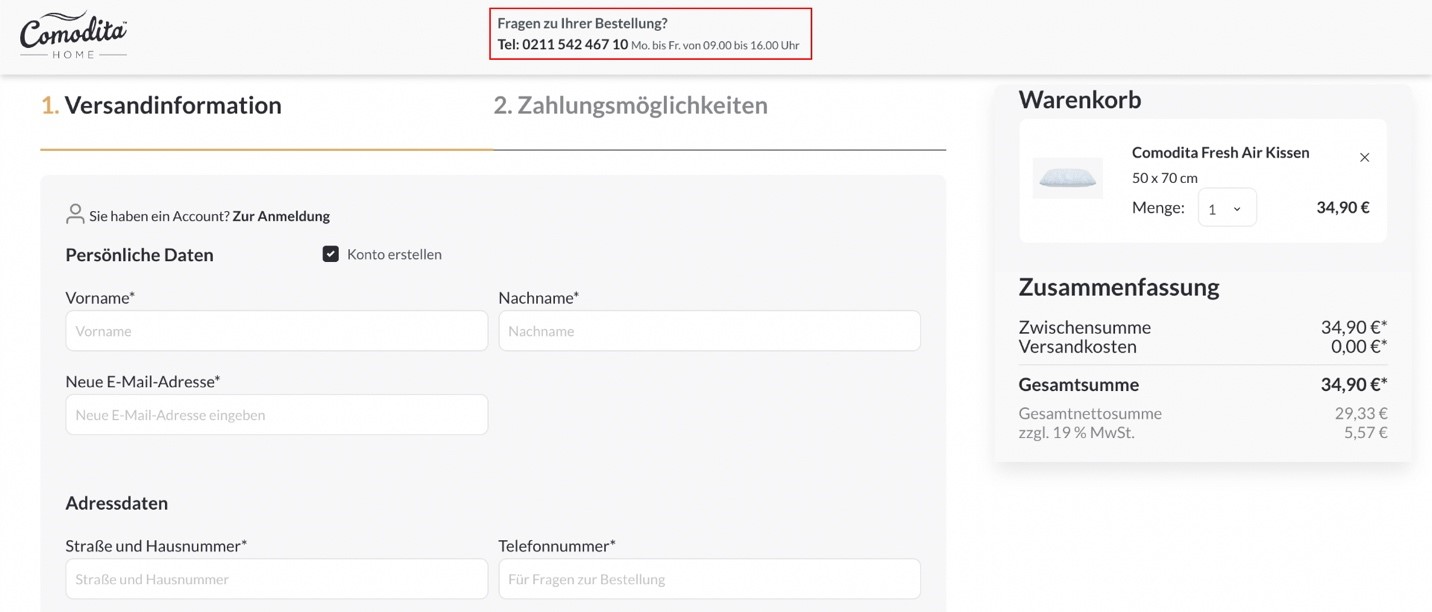
 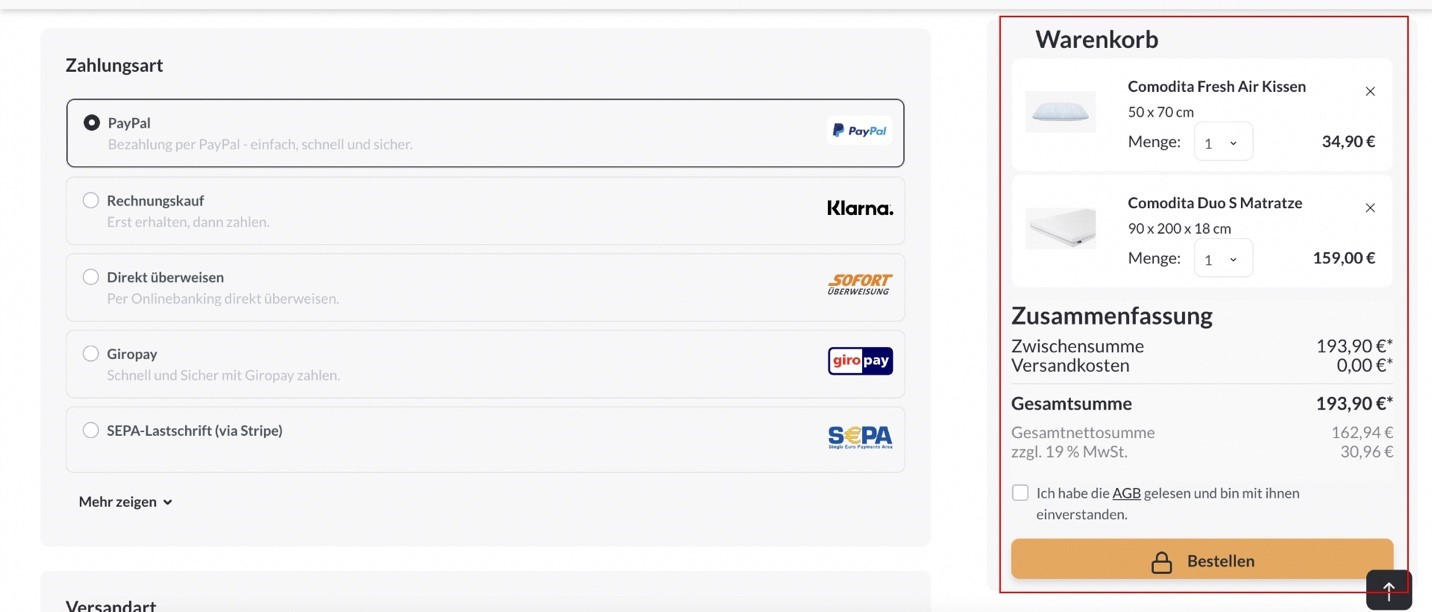 8. Once you’ve identified common areas where assistance is required, add customer support options. Find the best resource for customers, whether it’s a knowledge base, a call center, or a live chat, and connect customers with support where they frequently encounter problems. This allows you to address these issues as they arise and keep your customers on track to purchase. A great way to handle this is to activate a chatbot to assist the customer when the user is inactive.